
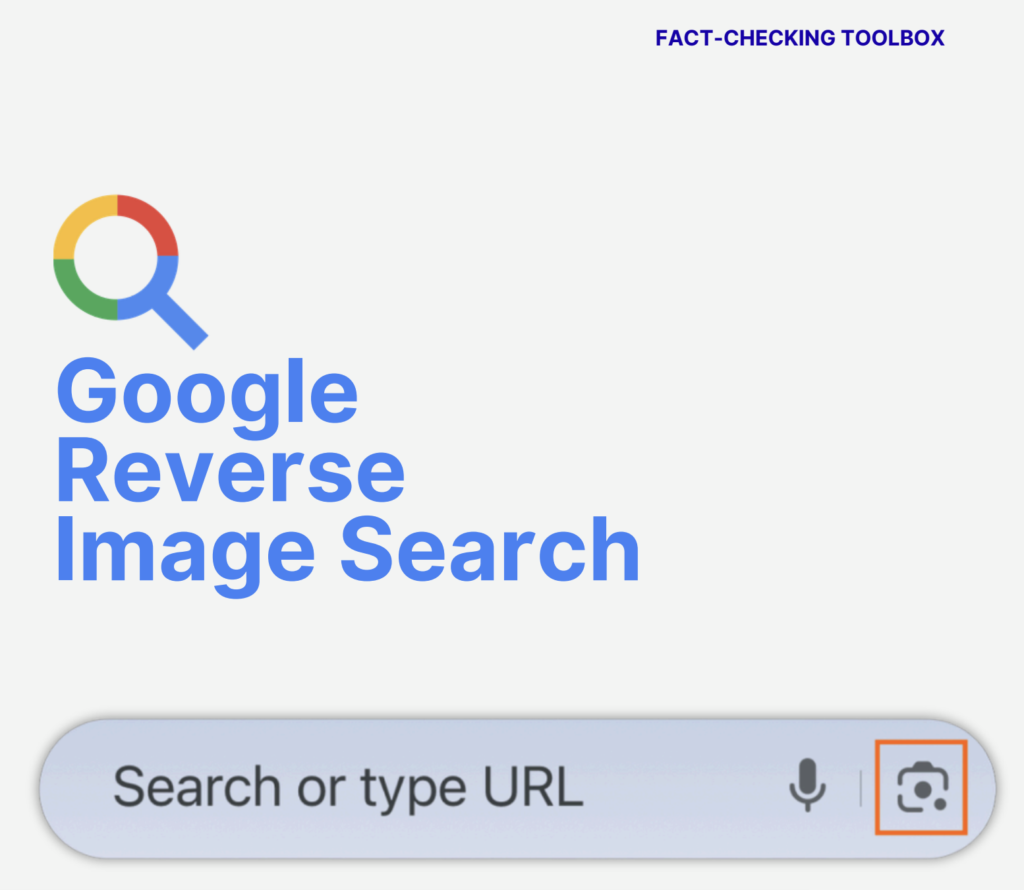
Google Reverse Image Search or Google Lens is a powerful, free tool that allows you to trace an image back to its source, find where else it has appeared online and check if it has been used in a different context. Whether you are a journalist, researcher, or simply a curious internet user, this tool can help you verify images and uncover the story behind the picture, before you share it.
Here is a step by step guide on how to use Reverse Image Search on mobile devices using Google app (iPhone or Android). This tool can be used to trace an image’s origin, spot edits and uncover the full context of an image or video still image.
Step 1: Open up Google
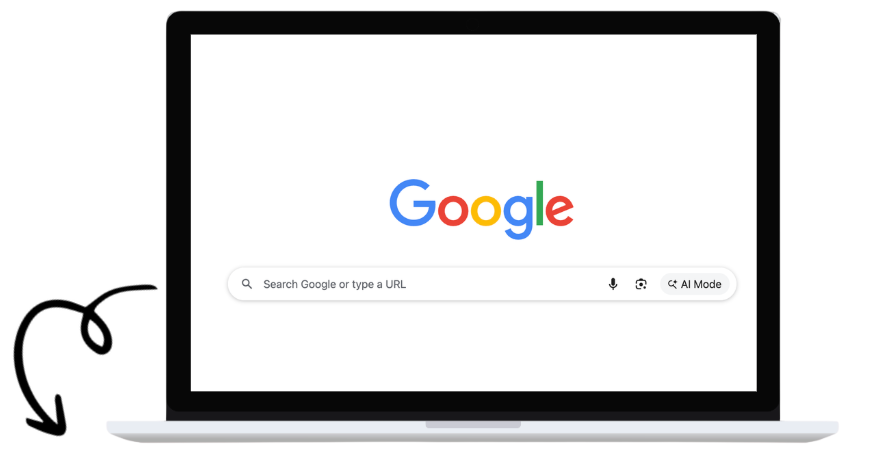
Download Google app and open it OR Open Google in your mobile browser OR type images.google.com into your browser.
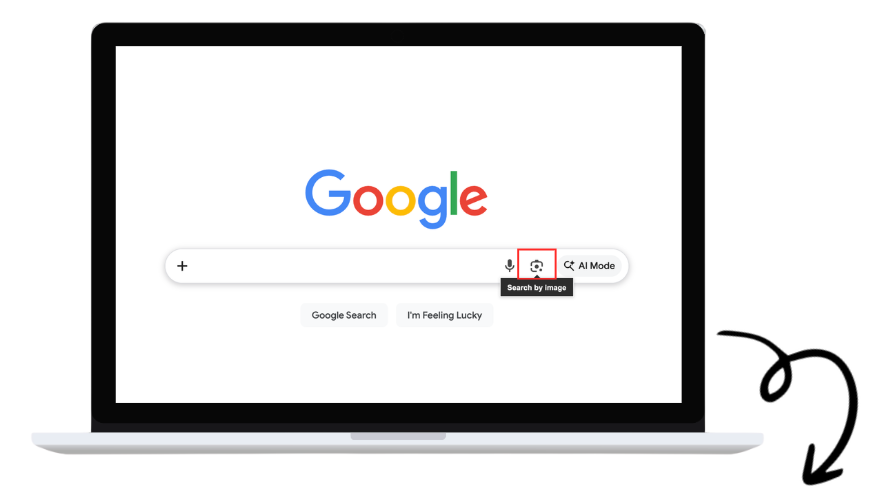
Step 2: Launch Google Lens
Click the Camera Icon to launch the “Google lens” search.
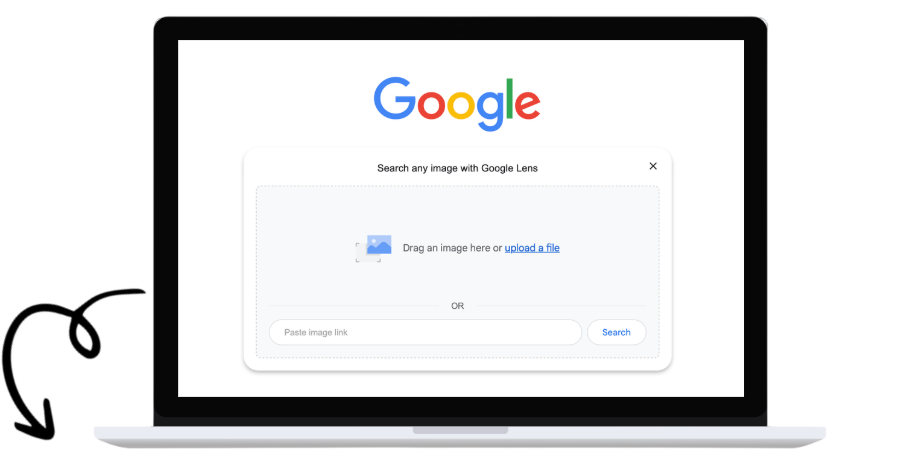
Step 3: Upload Your Image
If you have the image saved on your computer/phone, drag and drop it here OR Click ‘upload a file’ to upload from your device OR if the image is online and publicly accessible, paste the URL here instead.
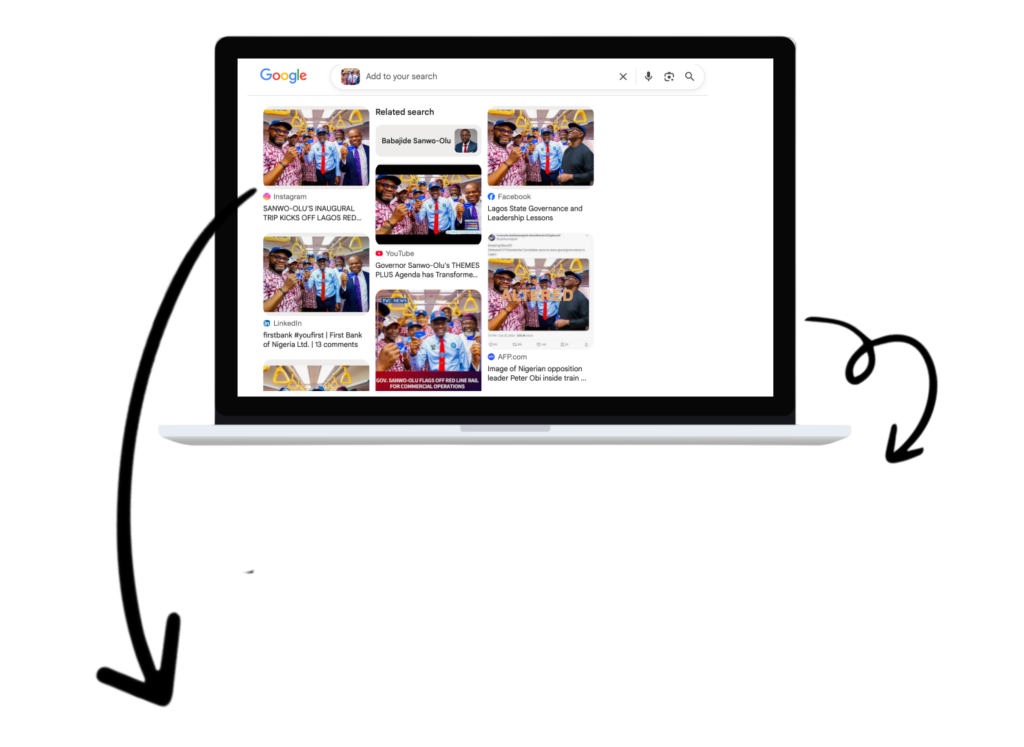
Step 4: View Your Results
There you have it! Google will show you visually similar images and any webpages where the ‘image has appeared.’

Images Credit: Instagram/LagosStateGovt, The Whistler Nigeria